
GoHighLevel API Integrations & Automation Connections
Connect GoHighLevel to your payment processor, lead sources, scheduling tools, and more — so your data moves automatically and your team stops doing it by hand.
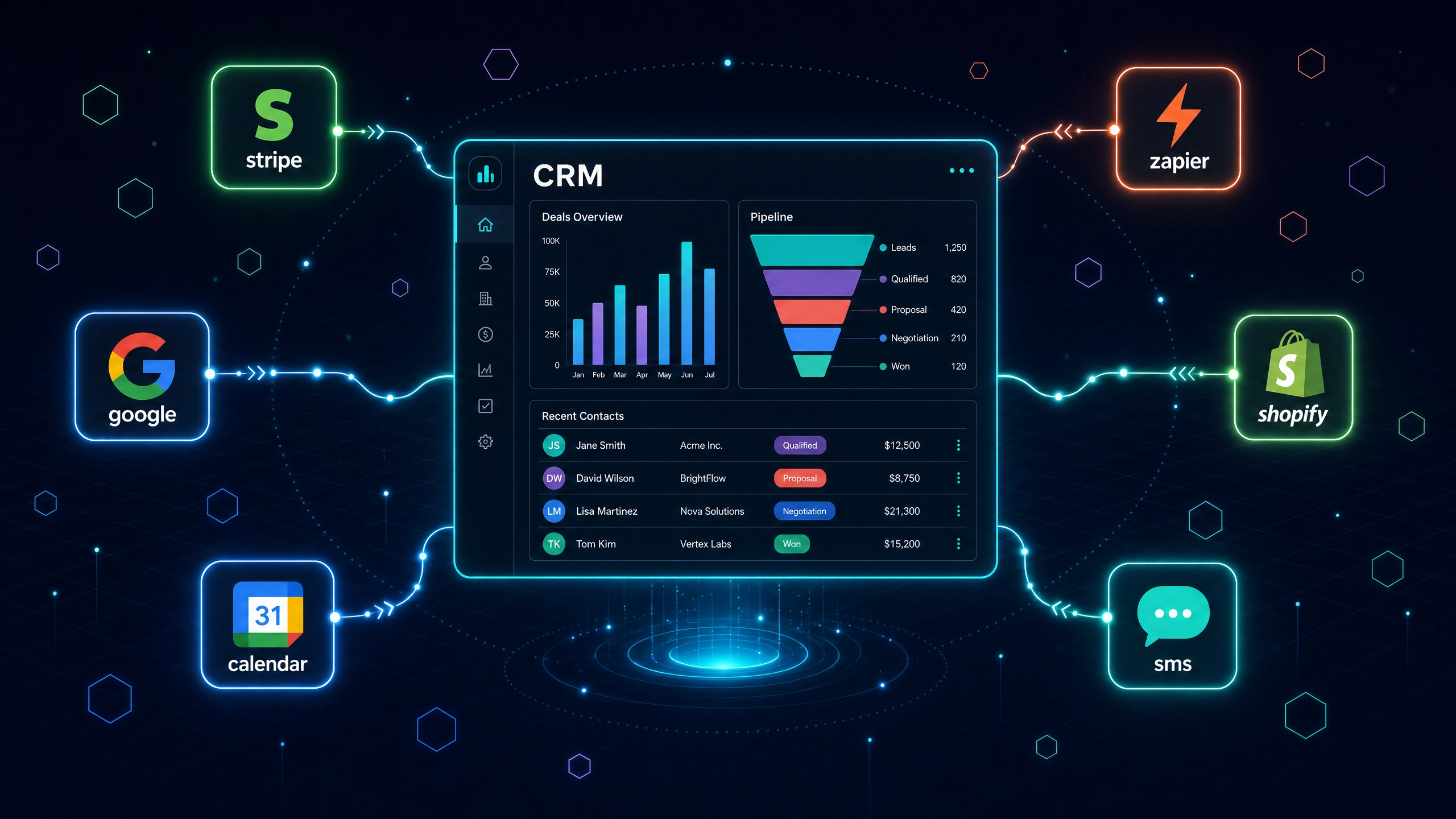
GoHighLevel is built to run your business — but it doesn’t run in isolation. Your payment processor, booking system, lead sources, and operational tools all need to talk to it.
When they don’t, your team fills the gaps manually: copying contact data, updating records by hand, and chasing information across platforms. That’s the problem API integration solves. Automize connects GoHighLevel to the rest of your stack so data moves automatically, leads route correctly, and nothing falls through the cracks because a human forgot to copy it over. If you’re not sure whether your current setup has gaps, a GoHighLevel system audit will surface them fast.
What We Connect to GoHighLevel

Every integration project is different, but the platforms we connect most often fall into a few categories:
Payments — Stripe is the most common. When a contact pays, GoHighLevel should know immediately — triggering an onboarding workflow, updating their pipeline stage, and notifying your team without anyone lifting a finger.
Lead Sources — Facebook Lead Ads, Google Ads, and custom web forms push contacts directly into GoHighLevel with the right tags, custom fields, and pipeline assignments from the moment they submit.
Scheduling & Calendars — Google Calendar sync keeps appointments accurate across platforms so your team and your clients are never looking at different information.
Accounting & Finance — QuickBooks connections sync payment and client data so your CRM and your books stay aligned without manual exports.
Automation Platforms — Zapier and Make handle the connections GoHighLevel doesn’t cover natively. If a direct integration doesn’t exist, we build the workflow around it.
E-commerce — Shopify order data flows into GoHighLevel so purchase history, tags, and follow-up sequences fire based on what a customer actually bought.
Custom Connections — If your business runs on proprietary software or a platform not on this list, we build direct API and webhook connections to bridge the gap.
The goal in every case is the same: eliminate the manual data entry that slows your team down and creates errors.
Why Automize for GoHighLevel Integrations
Most integration problems aren’t technically complex — they’re just built wrong the first time. A Zapier connection that works in testing and fails silently in production. A webhook that maps to the wrong field. A Stripe trigger that fires the workflow but doesn’t update the contact record. These aren’t platform bugs. They’re configuration errors that cost you leads and revenue until someone finds them.
Automize builds GoHighLevel integrations correctly from the start — tested under real conditions, not just demoed. Here’s what that looks like in practice:
You work directly with the person building your integration. No account managers, no handoffs. You explain what you need once, to the person who will actually build it.
Certified across the platforms your business runs on. Zapier Expert, ActiveCampaign Certified, Keap/Infusionsoft Certified, and deep hands-on command of GoHighLevel, HubSpot, Shopify, and more. When you’re connecting two platforms, you want someone who knows both sides of the connection.
Days, not weeks. Most integrations are scoped, built, and tested faster than other providers take to write a proposal.
If something breaks after we build it, we fix it. Integrations are only as good as their reliability over time. We don’t hand off a connection and disappear.
Frequently Asked Questions About GoHighLevel Integrations
Can you connect GoHighLevel to any platform?
In most cases, yes. If a direct native integration exists inside GoHighLevel, we configure it correctly from the start. If it doesn’t, we build the connection through Zapier, Make, webhooks, or a direct API connection. The platforms we can’t connect are rare.
What’s the most common GoHighLevel integration you build?
Stripe is the most frequent — connecting payment events to GoHighLevel workflows so that when a contact pays, their pipeline stage updates, an onboarding sequence fires, and your team gets notified automatically. Zapier connections to lead sources like Facebook Lead Ads and Google Ads are a close second.
How long does a GoHighLevel integration take?
Most integrations are completed in days. The timeline depends on the complexity of the connection and how many platforms are involved. We scope every project before we start so you know exactly what to expect before work begins.
What happens if the integration breaks after you build it?
We test every connection under real conditions before handoff. If something misfires after delivery, we fix it. You’re not left troubleshooting a connection we built.
Do I need a GoHighLevel expert to handle integrations, or can my VA do it?
A VA can manage tasks inside a system that’s already built and working. Building or repairing integrations — especially anything involving APIs, webhooks, or custom field mapping — requires someone who understands both platforms and knows how failures present. A misconfigured integration often looks like it’s working until a deal falls through. See what to look for when hiring a GoHighLevel expert before handing this work to someone without the right background.
Ready to Stop Moving Data by Hand?
If your GoHighLevel system isn’t connected to the tools your business runs on, you’re paying for automation you’re not getting. We scope, build, and test every integration so it works correctly from day one — not just in a demo.
We review every submission and follow up within 2–3 business hours. No obligation. No sales pitch.