GoHighLevel Twilio setups come down to one choice: run calls and texts through LC Phone, HighLevel’s built-in phone system, or through your own Twilio account. Automize, led by Ryan Van Tricht, builds and repairs GoHighLevel systems, and the choice between the two decides who owns your numbers, how messaging registration works and what happens when you need to move.
Pick wrong, or move without a plan, and the result is the failure business owners notice last: texts that stop delivering while the workflow still shows as running.
What is the difference between LC Phone and your own Twilio account?
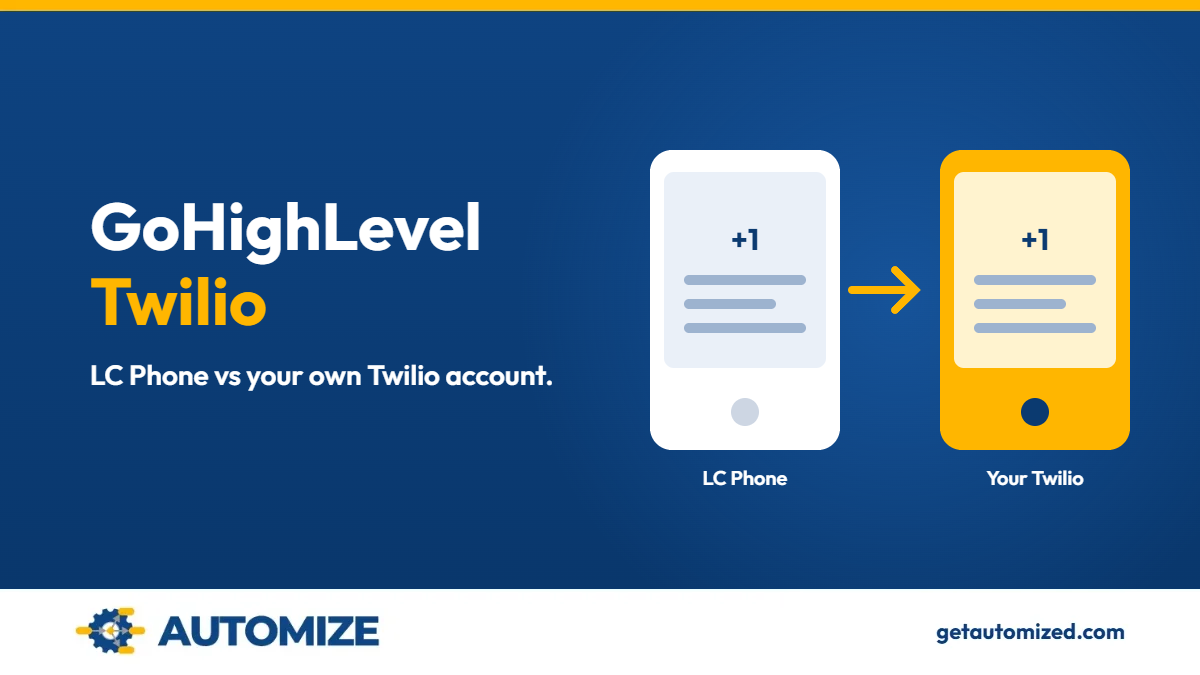
LC Phone is HighLevel’s native phone system. Numbers are bought and managed inside HighLevel. Connecting your own Twilio account means your numbers live in Twilio and HighLevel uses that account for calling and SMS. HighLevel’s documentation says an individual sub-account can use its own Twilio account instead of LC Phone.
Where you buy a number depends on the provider. In-app purchasing steps apply to LC Phone sub-accounts. If your agency uses a connected Twilio account, you buy the number from the matching Twilio sub-account.
Want to know if we are a fit for your build?
Tell us how your business runs and what you need it to do, and we will tell you how we would build it.
We review every submission and follow up within 2–3 business hours. No obligation. No sales pitch.
Can you move a phone number between LC Phone and Twilio?
Yes, in supported cases, but the route depends on the direction:
- Same agency, LC Phone to LC Phone: use the in-app Move Numbers tool (US and Canada numbers). It also covers Twilio to Twilio when both sub-accounts sit under the same master Twilio account. HighLevel’s documentation says you can select multiple numbers in one move.
- LC Phone to Twilio, or Twilio to LC Phone: HighLevel Support coordinates the migration. You provide the Twilio Account SID, the HighLevel Location ID, the numbers in E.164 format and a preferred cutover window. HighLevel states you do not need a separate Twilio Support ticket for these supported moves.
- Different agencies: also coordinated by HighLevel Support.
- International numbers: extra regulatory information (Regulatory Bundle and Address) is required, and the process differs.
- Numbers held by an outside carrier: that is porting, not migration, and uses a different process.
One rule matters more than the rest: do not delete, release or disconnect a number with its current provider before the move is confirmed complete.
What does not move with the number?
- A2P 10DLC registration. HighLevel’s documentation says A2P status is tied to the account or sub-account, not just the number. After a move, verify or redo registration and confirm the number is attached to an approved campaign before relying on SMS. Moving from your own Twilio account to LC Phone requires registering again through the HighLevel Trust Center, and registration fees apply again.
- Toll-free verification. Do not assume it carries over. Check it after the move.
- Contacts and conversations. They do not move because a number moved.
- Recordings and voicemails. Historical recordings and voicemails do not migrate automatically. Download anything you need to keep first.
Why does SMS stop working after a number change?
Usually because messaging registration was never completed in the destination, or the number was never attached to an approved campaign. The workflow keeps running and the message never delivers. After any move, test one inbound and one outbound call, and one inbound and one outbound text, before trusting the system.
Do phone numbers affect snapshots and Voice AI?
Yes. Snapshots do not transfer assigned phone numbers for Voice AI agents, so numbers must be assigned again in the destination account. See our guides on GoHighLevel snapshots and GoHighLevel AI voice agents. Imported workflows and funnels have the same gap, which our GoHighLevel templates guide covers.
Pre-move checklist
- List every number, in E.164 format.
- Note current call and SMS routing so you can rebuild it.
- Check A2P and toll-free status for each number.
- Download recordings and voicemails you need.
- Pick a cutover window with low lead volume.
- After the move: confirm assignment to the right user or team, attach to the approved campaign, then test calls and texts both ways.
Phone and messaging steps often depend on connected tools too. See our guides to the GoHighLevel API and GoHighLevel integrations, or talk to us about GoHighLevel consultant services.
Moving numbers or fixing texts that will not deliver?
Tell us how your phone and messaging setup works today and we will tell you whether we can fix it.
We review every submission and follow up within 2–3 business hours. No obligation. No sales pitch.
Frequently asked questions
Do I need my own Twilio account to use GoHighLevel?
No. LC Phone is HighLevel’s built-in phone system, and a sub-account can instead use its own Twilio account. With LC Phone you buy and manage numbers inside HighLevel. With your own Twilio account, the numbers live in Twilio and HighLevel uses that account for calls and SMS.
Can I keep my number if I switch between LC Phone and Twilio?
Often yes. HighLevel Support coordinates supported moves between LC Phone and Twilio, and you should not cancel or release the number first. You provide the Twilio Account SID, the HighLevel Location ID, the numbers in E.164 format and a preferred cutover window. HighLevel states you do not need a separate Twilio support ticket for these supported moves.
Do I have to register for A2P again after moving?
Plan on it. A2P registration does not move automatically with the number, and moving from your own Twilio account to LC Phone requires registering again. HighLevel’s documentation says A2P status is tied to the sub-account, not the number. Confirm the number is attached to an approved campaign, then test inbound and outbound texts before relying on SMS.
Will my contacts and conversations move with the number?
No. A number move changes where the number lives, not your contact or conversation history. Contacts and conversations stay where they are in HighLevel. Historical recordings and voicemails do not migrate automatically, so download any you need to keep before the move.
Can I move numbers between my own sub-accounts?
Yes, within the same agency, using Move Numbers for eligible US and Canada numbers. The tool is in Settings, then Phone Integration, and covers LC Phone to LC Phone and Twilio to Twilio under the same master Twilio account. It does not move numbers between different master Twilio accounts, and numbers outside the US and Canada go through HighLevel Support.
We already paid someone to set this up and texts still aren’t delivering. Can you fix it?
Yes, that is a common starting point. We rebuild what is wrong rather than patching it, and you work directly with Ryan Van Tricht, not a handoff to a junior. The fit check is a low-risk first step with no obligation and no sales pitch.
What does it cost?
Automize does not publish prices, because scope is settled in discovery. You receive a fixed-price proposal with clear phases and deliverables before any building starts. For ongoing work, we offer pre-paid hours in bulk and monthly retainers of six months or more.
Have it built correctly the first time
If you have been burned before, the pattern is usually the same: something looked finished on delivery and failed quietly later. You work directly with Ryan, the person building your system, and we build the architecture correctly from day one. The fit check below is a low-risk first step.
Our clients have rated Automize five stars in 16 Google reviews.
Want to know if we are a fit for your build?
Tell us how your business runs and what you need it to do, and we will tell you how we would build it.
We review every submission and follow up within 2–3 business hours. No obligation. No sales pitch.
Who builds your system
I’m Ryan Van Tricht, Founder & CEO of Automize and a Business Automation Strategist. I have 9 years in business and automation, including 6 years specializing in GoHighLevel. I’m certified in Infusionsoft/Keap, ActiveCampaign and Zapier, with deep command of HubSpot, Ontraport, Shopify, n8n, WordPress and WooCommerce. One example: for a multi-location home services company running HVAC, plumbing and electrical work, I connected GoHighLevel to its scheduling, payment and call-tracking tools so staff stopped re-entering the same customer information by hand. See the home services integration case study.
More about me: Ryan’s author page and LinkedIn.
Based on HighLevel’s public help documentation, checked November 9, 2026. Plan terms, fees and limits change, so confirm current details in HighLevel before you act.