Go High Level Setup Tutorial for Beginners
The first 24 hours inside your new GoHighLevel account will determine whether you scale or struggle. In 2026, a proper Go High Level setup is no longer about just entering business details; it’s about architecting a growth engine. A misconfigured domain can kill your email deliverability, a disconnected payment gateway means zero revenue, and a poorly trained AI means you’re leaving money on the table.
GHL Account Setup: The First 5 Steps
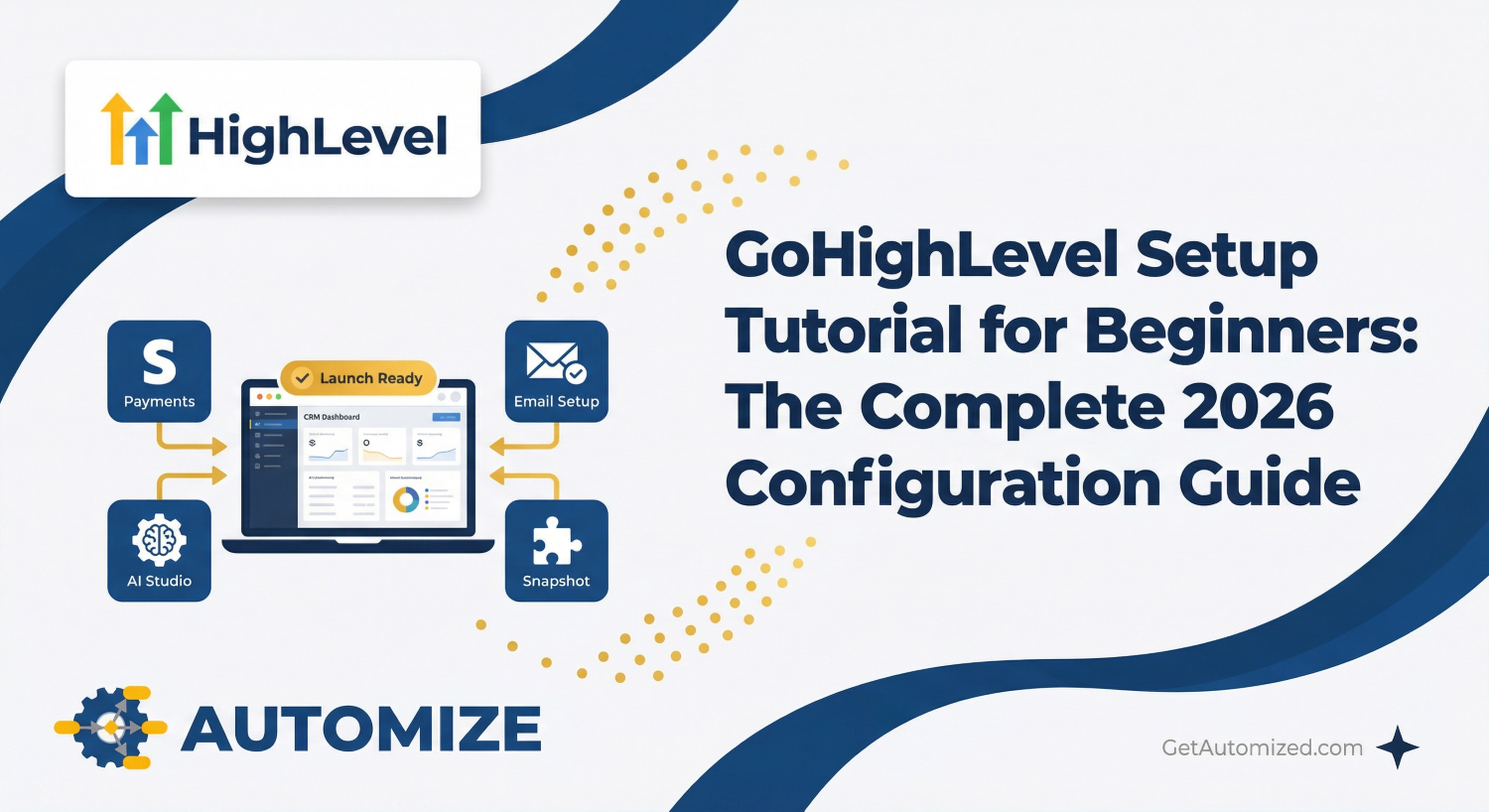
1. Connect Your Payment Processor: Navigate to Payments and connect your Stripe or NMI account. Without this, your funnels cannot collect revenue, and your SaaS automation cannot trigger.
2. Integrate Google Business Profile (GMB): This syncs your reviews and GMB chat, allowing your AI Employee to respond to local inquiries and manage your online reputation automatically.
3. Connect Facebook & Instagram: Centralize all your social media DMs into the unified Conversations inbox. This is non-negotiable for managing leads effectively.
4. Download the LeadConnector App: Enable push notifications. In a world where speed-to-lead is everything, getting an instant alert when a new lead comes in is critical.
GoHighLevel Email Setup & Deliverability
Sub-domain & DNS Strategy
Your domain reputation is paramount. To protect it, never use your root domain (e.g., yourdomain.com) for sending marketing emails. Instead, use dedicated sub-domains.
•Pro Tip: We recommend a two-sub-domain strategy for maximum deliverability. Use one for funnels and links (e.g., link.yourdomain.com) and a separate one for your LC Email setup (e.g., mg.yourdomain.com). This isolates your sending reputation from your link tracking.
Configuring GoHighLevel SaaS Mode
For agencies looking to resell GoHighLevel as their own white-labeled software, a proper GoHighLevel SaaS Mode setup is where the real recurring revenue is unlocked. This is configured in the SaaS Configurator under your Agency view.
1. Connect Stripe: Your agency Stripe account must be connected here to process SaaS payments from your clients.
2. Create Your Plans: Define your pricing tiers (e.g., Standard, Professional, Premium). You can set monthly and yearly pricing, create trial periods, and bundle features like credits for email and SMS.
3. Customize Features: For each plan, you can decide exactly which features your clients have access to. You might disable advanced features on a lower-tier plan to encourage upgrades.
AI & Automation Setup: Agent Studio & Workflows
• Knowledge Base Upload: Feed the AI your brochures, pricing, service details, and website FAQs. This becomes the “Source of Truth” for your AI Employee.
• Voice & Persona Selection: Choose your AI Voice Agent persona and test its greeting latency to ensure it matches your brand’s vibe.
• Calendar Sync: Link your Google or Outlook calendar so the GHL appointment booking bot knows your real-world availability from minute one.
Setup vs. Strategy: The Difference That Defines Your Success
You can follow every step in this guide and have a perfectly functional GoHighLevel account. But a functional account isn’t the same as a profitable one. The difference is strategy. It’s knowing which workflows to build first, which snapshot is right for your niche, and how to structure your SaaS offers to maximize recurring revenue.
GoHighLevel Setup FAQs
How long does a full Go High Level setup take?
Do I need a professional to do my GHL setup?
Can I change my domain after the setup?
What is the most important step in the setup?