GoHighLevel Workflow Automation
GoHighLevel (GHL) workflow automation is no longer about sending a simple “Thank You” email in 2026. The GoHighLevel AI Workflow Builder has evolved into a sophisticated orchestration engine capable of “thinking” before it acts. By utilizing Agentic AI Workflows, businesses can now automate complex decision-making processes that previously required a human manager.
Whether you are building a database reactivation campaign or a multi-channel booking bot, mastering the new Workflow Builder is the key to true scalability. This GoHighLevel automation tutorial will guide you through the foundational concepts, the essential workflows every business needs, and the advanced AI strategies you need to know.
What is the GoHighLevel Workflow Builder?
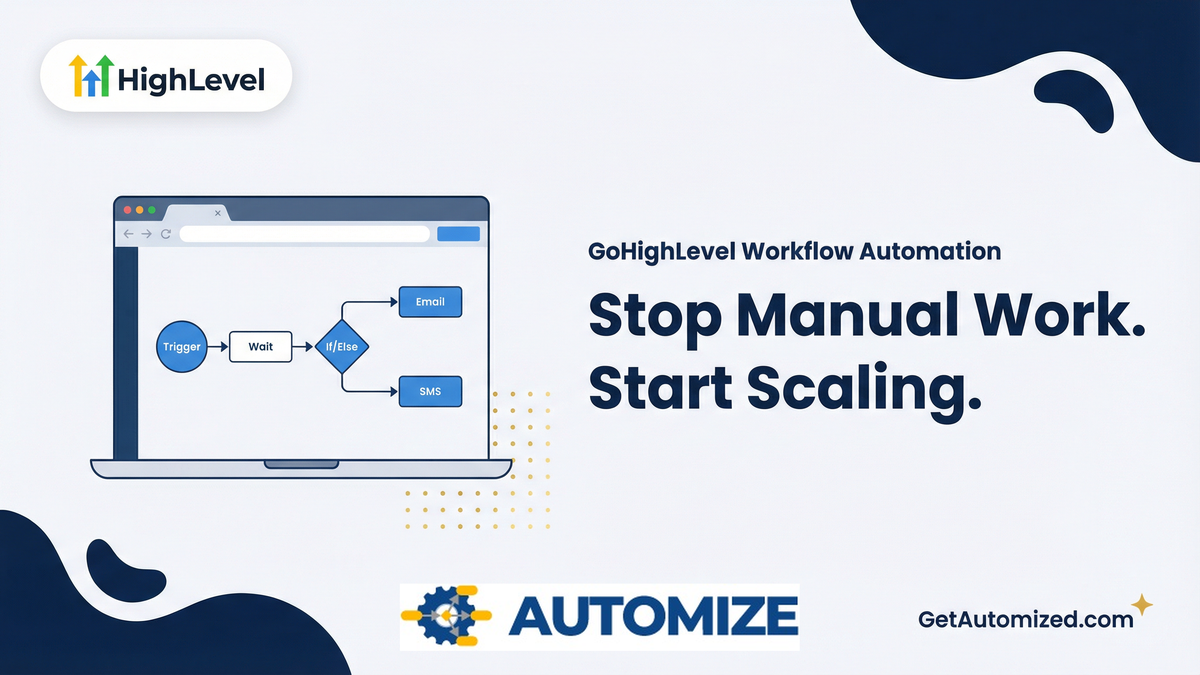
The GHL workflow builder is the central nervous system of your GoHighLevel account. It is a visual canvas where you can design automated sequences using triggers and actions. A “trigger” is an event that starts the automation (e.g., a form is submitted), and an “action” is what the system does in response (e.g., send an SMS, add a tag, create an opportunity).
While tools like Zapier and Make.com are excellent for connecting different apps, the GoHighLevel Workflow Builder is natively integrated with your CRM data. This allows for far more sophisticated and personalized automation, as the system has access to a contact’s entire history, tags, and custom field values without needing a third-party connection.
3 Essential GoHighLevel Workflows Every Business Needs
Before diving into advanced AI branching, you must establish the core workflows that plug the most common revenue leaks. If you completed a proper GoHighLevel CRM Setup, these three workflows should be your immediate priority.
1. The Speed-to-Lead Capture Workflow
When a prospect fills out a form on your website or Facebook ad, the clock starts ticking. According to a study by the Harvard Business Review, the faster you respond, the higher your conversion rate. This workflow triggers the moment a form is submitted:
- Action 1: Apply a “New Lead” tag and add them to the CRM.
- Action 2: Create an Opportunity in the “New Lead” stage of your pipeline.
- Action 3: Send an internal SMS to your sales team: “New lead captured! Call [Name] at [Phone Number] now.”
- Action 4: Send an automated, conversational SMS to the prospect: “Hi [Name], received your inquiry! Are you available for a quick call today?”
2. The Appointment No-Show Prevention Workflow
A booked appointment is not a closed deal; it is merely a promise to talk. To ensure prospects actually show up, you need a robust reminder sequence. This workflow triggers when an appointment is booked:
- Action 1: Send immediate confirmation email and calendar invite.
- Action 2: Wait until 24 hours before the appointment.
- Action 3: Send a reminder email with a link to a preparation video or case study.
- Action 4: Wait until 1 hour before the appointment.
- Action 5: Send a final SMS reminder with the Zoom link or phone number.
For a deeper dive into maximizing your calendar, read our guide on the GoHighLevel Appointment Funnel.
3. The Stale Lead Reactivation Workflow
Most businesses have thousands of dollars sitting in their database in the form of old, unresponsive leads. Instead of letting them rot, build a reactivation workflow. This triggers when a lead has been in a “Follow-Up” stage for more than 30 days without activity:
- Action 1: Send a highly casual, text-only email: “Hi [Name], are you still looking for help with [Service]?”
- Action 2: Wait 2 days.
- Action 3: Send a conversational SMS: “Hey [Name], just checking in to see if you still needed assistance with this?”
How to Build Your First Agentic Workflow: A 5-Step Tutorial
Ready to move beyond basic automation and build your first piece of GoHighLevel AI automation? Here is a simplified 5-step process to create an advanced lead follow-up workflow.
- Choose Your Trigger: In the Automation tab, create a new workflow. The most common trigger is “Form Submitted.” Select the specific form you want to use.
- Add Your First Action: Click the “+” icon to add your first action. A best practice is to immediately tag the lead, so select “Add Contact Tag” and create a tag like “New Website Lead.”
- Introduce an AI Wait Step: Instead of a fixed time delay, use the “Wait” action and select the “AI Wait” option. This allows the system to hold the action until the AI determines the optimal time to send the next message based on the lead’s behavior.
- Use an If/Else Branch: Add a “GoHighLevel if/else workflow” action. For the condition, select “Contact Details” > “Tags” > “Includes” > “Booked Appointment.” This creates two paths: one for leads who have booked and one for those who haven’t.
- Deploy Your AI Agent: On the “No” path (they haven’t booked), add the “Send SMS” action and use the AI to craft a follow-up message. On the “Yes” path, you can add an action to remove them from the follow-up campaign.
The Evolution of Intent-Based Branching
The core of a 2026 GHL workflow is AI Intent Recognition. Instead of relying on specific “keyword” triggers, GHL now allows you to branch your automation based on the meaning behind a customer’s message.
- Positive Intent: If a lead says “I’m interested but I’m traveling,” the AI recognizes the interest and triggers a “Follow up in 7 days” delay.
- Negative Intent: If a lead expresses frustration, the workflow instantly stops all automation and alerts a GHL expert to intervene manually.
Implementing “Agentic Loops” for Persistent Nurturing
One of the most powerful features added in 2026 is the Agentic Loop. In our experience building automation systems for dozens of agencies, this is the feature that generates the most ROI. Unlike linear workflows that end after the last step, these loops allow the AI to continuously monitor a lead’s status and “re-engage” them based on real-world triggers.
For example, an Agentic Loop can monitor a lead’s social media interaction or website visits. If a cold lead visits your pricing page after six months of silence, the workflow “wakes up,” analyzes their previous history, and sends a personalized video message using the Unlimited AI Employee suite.
Dynamic Lead Routing with Smart Lists
In 2026, the Workflow Builder works in perfect tandem with GHL Smart Lists. You can now build automations that automatically move leads between lists based on their “Lead Score” (calculated by AI).
- Hot Leads: Automatically routed to a live Sales Rep via a “Force Call” trigger.
- Warm Leads: Nurtured by the GHL appointment booking bot until a meeting is confirmed.
- Cold Leads: Put into a long-term “Market Insight” sequence to stay top-of-mind.
Your Workflows Should Work While You Sleep
Building Agentic AI workflows requires deep platform knowledge and a strategic framework. The difference between a workflow that converts and one that spams is the architecture behind it.
At Automize, we build GoHighLevel automation systems that are designed to scale—not break. Stop working in your business and start working on it. Let us build the engine that drives your growth.
Frequently Asked Questions (2026 Edition)
What is the “Agentic AI” trigger in the GHL Workflow Builder?
The Agentic AI trigger allows the workflow to act autonomously. Instead of following a fixed path, the AI evaluates the lead’s current “State” and chooses the best next action (e.g., sending a text, updating a custom field, or waiting for a specific event).
Can I use the Workflow Builder to automate my Voice AI Agents?
Yes. In 2026, the Workflow Builder includes specific nodes for GoHighLevel AI Voice Agents. You can trigger an outbound AI call based on a form submission or a specific link click within an email.
What is “Sentiment Analysis” in GHL workflows?
Sentiment Analysis is a built-in AI tool that “reads” the tone of incoming messages. You can build branches that treat “Happy” customers differently than “Angry” ones, ensuring your brand reputation stays protected.
How do I prevent my AI workflows from “looping” and spamming leads?
The 2026 Workflow Builder includes a “Guardrail” setting. You can set a maximum frequency for messages (e.g., “Do not send more than 1 SMS every 24 hours”) regardless of how many triggers are pulled.
Can I share these complex workflows using a GHL Snapshot?
Absolutely. When you create a GoHighLevel AI Snapshot, all your custom intent-based branching, AI prompts, and timing logic are packaged together for instant deployment in other sub-accounts.