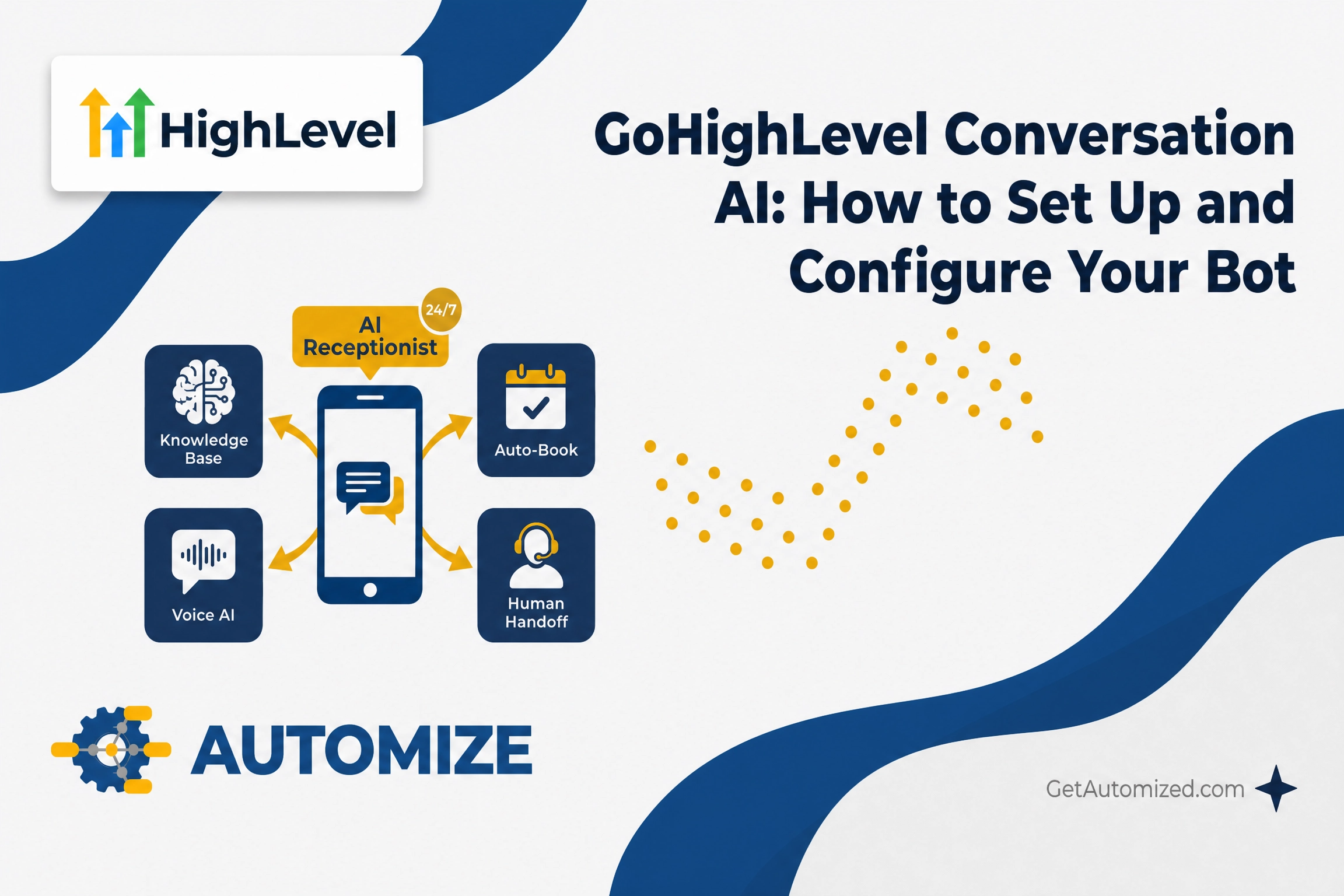
GoHighLevel Conversation AI handles incoming messages so your team doesn’t have to — answering questions, qualifying leads, booking appointments, and keeping conversations moving across SMS, Instagram, Facebook Messenger, WhatsApp, and web chat.
When it’s configured correctly, it runs in the background without anyone managing it. When it’s not, it sends generic responses, misses context, and frustrates the people it was supposed to help.
This guide covers how Conversation AI actually works inside GHL — the response modes, configuration areas, and how to connect it to your automation workflows — so you can set it up the right way the first time.
What Is GoHighLevel Conversation AI?
Conversation AI is an AI-powered agent inside GoHighLevel that handles customer conversations across supported channels. It reads incoming messages, uses the information it’s been trained on, and responds based on the behavior, goals, and instructions you configure.
Depending on how you set it up, it can answer frequently asked questions, respond to new leads, help qualify contacts, support appointment booking, and keep conversations moving when your team isn’t available.
It’s different from a basic autoresponder. Conversation AI understands context — if a lead shifts topics mid-conversation, the bot follows along rather than losing its place and sending an irrelevant reply.
How to Configure GoHighLevel Conversation AI
Conversation AI is managed from AI Agents → Conversation AI inside your GHL sub-account. Each agent has five configuration areas that control how it behaves.
Bot Settings
Bot Settings define the agent’s basic identity and operating behavior — its name, which channels it’s active on (SMS, web chat, Instagram, Facebook Messenger, WhatsApp), how quickly it responds, and how many messages it sends before stopping or handing off to a human.
Bot Training
Training gives the agent the information it needs to answer accurately. You can train it using a connected Knowledge Base, uploaded documents, website URLs, or manually entered Q&A pairs. The more specific your training content, the more accurate the responses. Generic training produces generic answers.
Brand Voice
Brand Voice controls tone and style. Assign a Brand Voice when you want the bot to sound consistent with how your business communicates — whether that’s direct and professional, or conversational and friendly.
Bot Goals
Goals define what the agent is trying to accomplish. If the goal is appointment booking, configure which calendar to use, what qualifying questions to ask, and what happens after a booking is confirmed. If the goal is lead qualification, define what information to collect and which workflow to trigger when the contact meets your criteria.
Additional Instructions
Additional Instructions give the agent specific behavioral rules — ask one question at a time, avoid emojis, escalate if the contact mentions a competitor, never discuss pricing without collecting an email first. These instructions sit on top of the training content and shape how the bot handles edge cases.
Response Modes: Off, Suggestive, and Autopilot
Before the bot responds to anyone, you choose how it operates.
Off disables Conversation AI entirely for that agent.
Suggestive Mode drafts a reply inside the conversation window for a team member to review and send manually. The bot does the thinking; a human approves before anything goes out. This works well for high-ticket services where the wrong response to a lead is costly.
Autopilot Mode sends replies automatically based on the agent’s training, goals, and instructions. No human review required. This is the mode that lets the bot handle conversations at 2am without anyone on your team being awake.
Most businesses start in Suggestive Mode to verify the bot is responding correctly, then switch to Autopilot once they’re confident in how it’s trained.
Primary vs. Non-Primary Agents
A primary agent handles general inbound conversations across the channels you assign it. A non-primary agent is used inside specific workflows and only responds when triggered there — useful when you want different bots handling different stages of your sales pipeline.
Using Conversation AI in Workflows
Conversation AI isn’t limited to handling inbound messages. You can also trigger it inside GoHighLevel workflows for specific automation steps — generating an AI-powered reply, waiting for the contact’s response, and continuing the workflow based on what they say.
This is useful when you want the bot to participate in a specific automation path rather than monitor a general inbox. For example, a new lead submits a form, a workflow fires, and the Conversation AI bot sends a qualifying message and waits for the reply before moving the contact to the next stage in your pipeline.
The bot can also trigger a workflow from within a conversation — when a contact meets a defined goal, such as confirming they want to book a call, the bot fires a workflow that creates the opportunity and notifies your team.
Human Handoff and Escalation
No bot should handle every conversation indefinitely. A properly configured Conversation AI setup includes clear rules for when to stop and alert a human.
Inside Bot Settings, you can set a message limit — after a defined number of exchanges without a completed goal, the bot stops responding and notifies your team. You can also write Additional Instructions that tell the bot to escalate when a contact uses specific phrases like “talk to a person” or “I need help.”
Inside your GHL workflows, you can build escalation triggers that fire when the bot detects a conversation stalling or a contact expressing frustration. The bot pauses, an internal notification goes to the right team member, and the conversation is handled by a human from that point forward.
The goal isn’t to replace every human interaction — it’s to make sure the right interactions reach a human and the rest are handled automatically without anyone needing to manage them.
What Automize Builds
Most businesses can toggle Conversation AI on and get basic responses working. What takes expertise is the training architecture — structuring your Knowledge Base so the bot handles objections accurately, writing Additional Instructions that prevent the wrong responses, and connecting the bot’s outcomes to your pipeline so every qualified conversation moves somewhere instead of sitting in an inbox.
If you’re running GoHighLevel and want Conversation AI configured correctly from the start, we build these systems and hand them back working. No generic setup, no figuring it out yourself.
See If We’re a Fit
Frequently Asked Questions
What is the difference between Suggestive and Autopilot mode in GoHighLevel Conversation AI?
In Suggestive Mode, the bot drafts a reply for a team member to review and send manually. In Autopilot Mode, the bot sends replies automatically without human review. Most businesses start in Suggestive Mode to verify accuracy, then switch to Autopilot once the training is confirmed.
Can I run different Conversation AI bots for different purposes?
Yes. You can configure multiple agents — one as a primary agent handling general inbound conversations, and additional non-primary agents triggered inside specific workflows for different stages of your sales process.
How do I train the bot on my specific business information?
Inside Bot Training, you can connect a Knowledge Base, upload documents, add website URLs, or manually enter Q&A pairs. The more specific your training content, the more accurate the responses. Vague or incomplete training is the most common reason bots give generic or incorrect answers.
Can Conversation AI book appointments directly?
Yes. When configured with a booking goal, the bot can qualify the contact, check calendar availability, confirm the appointment, and trigger a post-booking workflow — all within the same conversation. See our guide on GoHighLevel appointment funnels for how this connects to the broader booking system.
How does the bot know when to stop and involve a human?
You set a message limit in Bot Settings, and you can write escalation rules in Additional Instructions. When either threshold is hit, the bot stops responding and your team is notified. You can also build workflow triggers that fire when a conversation stalls or a contact signals they want to speak with someone directly.