Best CRM Integration Platform for GoHighLevel: Expert Insights

Most GoHighLevel integration problems trace back to the same thing: the connection was built to look like it works, not to actually hold up. Leads stop syncing, fields map to the wrong place, and no one notices until a deal slips through.
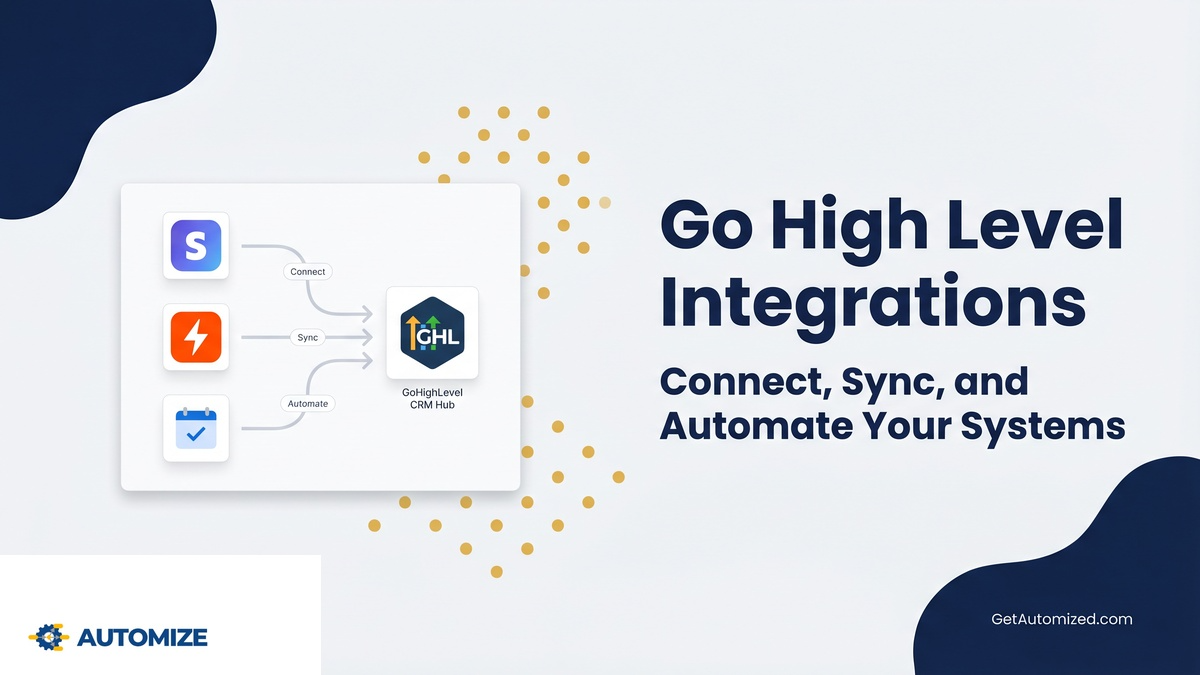
Done right, GoHighLevel becomes the hub that ties your tools together — your CRM, your calendar, your payment system — so data moves automatically and nothing falls through the cracks. This guide covers how those integrations actually work: which tools connect natively, which need Zapier or Make, and when a custom API is the right call.
We build these systems for a living. If you’d rather have it handled correctly from day one, connect with our Go High Level Experts and we’ll architect the integrations around how your business actually runs.
Best CRM Integration Platform for GoHighLevel
In this article, we’ll provide expert insights and tips to help you seamlessly integrate your CRM with GoHighLevel. Whether you’re new to CRM integration or looking to improve your existing setup, we’ve got you covered.
Discover the top CRM integration platforms and learn how to evaluate your options for a successful integration. Get ready to streamline your processes and enhance your business with GoHighLevel and CRM integration.
Key Considerations for GoHighLevel CRM Integration
When considering GoHighLevel CRM integration, you need to evaluate key factors that will ensure a successful implementation. One of the common integration challenges is the compatibility of the CRM with other systems and software you use. It is crucial to choose a CRM integration platform that seamlessly integrates with GoHighLevel and your existing tools, minimizing any disruptions to your workflow.
Another challenge is data migration and synchronization. You want to ensure that all your customer data is accurately transferred to the CRM and remains up-to-date across all integrated systems. On the other hand, the benefits of CRM integration are immense. It allows you to centralize customer data, improve communication and collaboration among teams, streamline processes, and provide personalized customer experiences.
By carefully considering these factors, you can successfully integrate Go HighLevel CRM into your business operations.
Top CRM Integration Platforms for GoHighLevel
To find the best CRM integration platform for Go High Level, you should consider using a robust and highly-rated solution. There are several top CRM integration platforms available that can seamlessly integrate with GHL and provide numerous benefits. Here are some of the best CRM integration tools for GoHighLevel:
| CRM Integration Platform | Features |
|---|---|
| Zapier | – Easy automation – Wide range of integrations – Customizable workflows |
| Pipedrive | – Advanced sales pipeline management – Contact and deal management – Email integration |
| HubSpot | – All-in-one CRM platform – Marketing automation – Email tracking and analytics |
| Salesforce | – Robust CRM functionalities – Sales and marketing automation – Customizable dashboards |
Integrating GHL with a CRM platform offers numerous benefits, including streamlined data management, enhanced customer insights, improved communication and collaboration, and increased productivity. Choose the best CRM integration platform that suits your business needs and objectives to maximize the potential of GHL.
Types of GoHighLevel Integrations
GoHighLevel offers multiple integration methods to connect your systems. GoHighLevel API integrations provide direct, programmable connections for custom data flows. Webhooks send real-time notifications when events occur in GoHighLevel. Native integrations are built-in connections to popular tools like Calendly or Stripe. Zapier and n8n act as middleware, connecting GoHighLevel to thousands of apps without coding. Each method serves different needs—choose based on your technical resources and required automation complexity.
Step-by-Step: Setting Up GoHighLevel Integrations
Start by mapping your current data flows and identifying integration points. Access GoHighLevel’s API documentation or integration marketplace. For API connections, generate your API keys in settings and test endpoints. Configure webhooks in the automation builder to trigger external actions. Set up native integrations through the GoHighLevel dashboard with simple authentication. For Zapier/n8n, create your GoHighLevel account connection and build multi-step workflows. Test each integration thoroughly before going live.
Common GoHighLevel Integration Challenges and Solutions
Many users struggle with authentication errors—double-check API keys and webhook URLs. Data synchronization delays often stem from rate limits; implement queuing or batch processing. Field mapping issues cause incorrect data transfers; use GoHighLevel’s field mapping tools systematically. Webhook failures may occur due to endpoint downtime; set up monitoring alerts. Integration complexity overwhelms some teams; start with one critical connection first, then expand gradually.
Integration Maintenance and Monitoring
Regularly audit your GoHighLevel integrations for performance and accuracy. Set up monitoring for error logs and failed syncs. Update API connections when GoHighLevel releases new versions. Review webhook endpoints for security and functionality. Test native integrations after platform updates. Document all integration points and their purposes for team reference. Schedule quarterly reviews to optimize or replace underperforming connections as your business needs evolve.
When to Choose Professional Integration Help
If you face recurring errors, have complex multi-system requirements, or lack technical resources, consider professional assistance. An integration expert can architect scalable solutions, troubleshoot persistent issues, and ensure data integrity across platforms. The investment often pays off through reduced downtime, better data quality, and future-proof system design that adapts as your business grows.
Expert Tips for Seamless CRM Integration With GoHighLevel
To ensure a seamless CRM integration with HighLevel, experts recommend prioritizing data synchronization. This is crucial because accurate and up-to-date data across systems is essential for effective customer relationship management. To achieve this, experts suggest the following best implementation strategies:
- Choose the right integration platform: Look for a platform that offers robust integration capabilities specifically tailored for GHL. This will ensure compatibility and smooth data transfer between your CRM and GHL.
- Map and align data fields: Take the time to map and align data fields between your CRM and GoHighLevel. This will help avoid data discrepancies and ensure a seamless flow of information.
- Establish automated workflows: Set up automated workflows to trigger actions and updates in both systems. This will streamline processes and eliminate the need for manual data entry, reducing the risk of errors and saving time.
How to Evaluate CRM Integration Options for GoHighLevel
To evaluate CRM integration options for HighLevel, consider the features and capabilities of various platforms. Evaluating CRM integration features is crucial in choosing the right CRM integration tool that aligns with your business needs. Here are some key factors to consider when evaluating CRM integration options:
| Feature | Description | Importance |
|---|---|---|
| Data synchronization | Ensure that the CRM integration tool can effectively sync data between GoHighLevel and your CRM. | High |
| Customization capabilities | Look for a platform that allows you to customize the integration to fit your specific requirements. | Medium |
| Automation functionality | Consider whether the tool supports automating tasks and workflows, saving you time and effort. | High |
Best Practices for Successful CRM Integration With GoHighLevel
To ensure successful integration of HighLevel with your CRM, follow these best practices:
- Plan ahead: Before starting the integration process, identify potential data migration challenges and create a roadmap to address them proactively. This will help you avoid any unexpected issues during the integration.
- Choose the right integration platform: Selecting a reliable integration platform that specializes in CRM integration can make the process smoother. Look for a platform that offers pre-built connectors and supports your specific CRM system.
- Test and validate: Thoroughly test the integration before going live to ensure that data is accurately synced between Go HighLevel and your CRM. Validate the integration by performing test scenarios and verifying that the data is transferred correctly.
See If We’re A Fit
Frequently Asked Questions – Best CRM Integration Platform for GoHighLevel
Can I Integrate GoHighLevel With Multiple CRM Platforms Simultaneously?
GoHighLevel is designed as an all-in-one platform meant to replace most CRMs, not run alongside them. That said, there are legitimate scenarios where you need GHL connected to an external system — usually because a legacy CRM is handling a specific function that can’t be migrated yet, or because a client-side system requires a live data feed.
In those cases, yes — you can connect GHL to multiple external systems simultaneously using Zapier, Make, or direct API integrations. The practical challenge isn’t technical feasibility, it’s data integrity. When the same contact record lives in two or more places, you need a clear “source of truth” for each data type and sync logic that respects it. Without that, you end up with conflicting records and duplicate workflows. This is one of the most common integration problems we’re brought in to fix.
Are There Limitations on the Number of Data Fields That Can Be Synced Between GoHighLevel and an External System?
GHL supports extensive custom fields, and most integration methods — Zapier, Make, direct API — can map those fields to corresponding fields in your external system. Practical limits depend on the integration method. Zapier’s free tier has task limits that affect high-volume syncs. GHL’s API has rate limits (typically 100 requests per 10 seconds on most endpoints) that need to be factored into high-frequency sync setups. For most service businesses, these limits aren’t a real-world issue.
Where field sync gets complicated is mismatched formats: a date field structured differently in each platform, a dropdown in GHL with no equivalent field in the destination system, or a phone number format that doesn’t transfer cleanly. Careful field mapping before building the integration saves significant cleanup time — and prevents the silent data errors that only surface weeks later.
Is It Possible to Automate the Integration Process Between GoHighLevel and Other Tools?
Yes — this is where GHL’s workflow builder becomes the engine. You can trigger integration actions from any event in GHL: a form submission, a pipeline stage change, a tag being applied, an appointment being booked, or a payment being received. Each trigger can push data to an external system in real time via webhook, Zapier, Make, or direct API call.
For example: when a lead books a discovery call in GHL, a webhook can simultaneously create a deal in your external CRM, add the contact to a tracking spreadsheet, and notify your team in Slack — without anyone touching it manually. The more complex the logic (conditional routing, error handling, data transformation between systems), the more important it is to architect the integration correctly before building it. A workflow that looks right but has a logic gap will fail silently.
How Does GoHighLevel Handle Data Security During the Integration Process?
GHL uses encrypted data transmission (HTTPS/TLS), API key-based authentication, and role-based access controls within sub-accounts. For integrations specifically: API keys should be treated as sensitive credentials — scoped to the minimum access required and rotated if there’s any reason to suspect exposure. Webhooks should be verified using the signature headers GHL provides to confirm incoming requests are genuinely from GHL and not spoofed.
If you’re handling data subject to HIPAA, GDPR, or state-level privacy laws, verify that your integration architecture meets those requirements separately — GHL offers a HIPAA-compliant configuration for healthcare-adjacent businesses, but it requires specific setup. When in doubt, have a consultant review your integration before it goes live with real customer data.
Can GoHighLevel Connect to Systems That Aren’t on Its Native Integration List?
Yes. GHL’s REST API provides programmatic access to contacts, conversations, opportunities, calendars, workflows, payments, and more — essentially any action you can perform inside the platform can be triggered or read via API. This means you can build integrations with virtually any system that has its own API, including proprietary tools, internal databases, or industry-specific platforms that don’t appear on GHL’s native integration list.
The practical requirement is knowing how to work with REST APIs, handle authentication, and build in error handling for failed requests. For teams without that technical capacity, Zapier and Make provide a no-code bridge that covers most integration scenarios without custom development. For anything more complex — real-time bidirectional sync, custom data transformation, or integrations with legacy systems — that’s where a consultant with API experience becomes necessary.