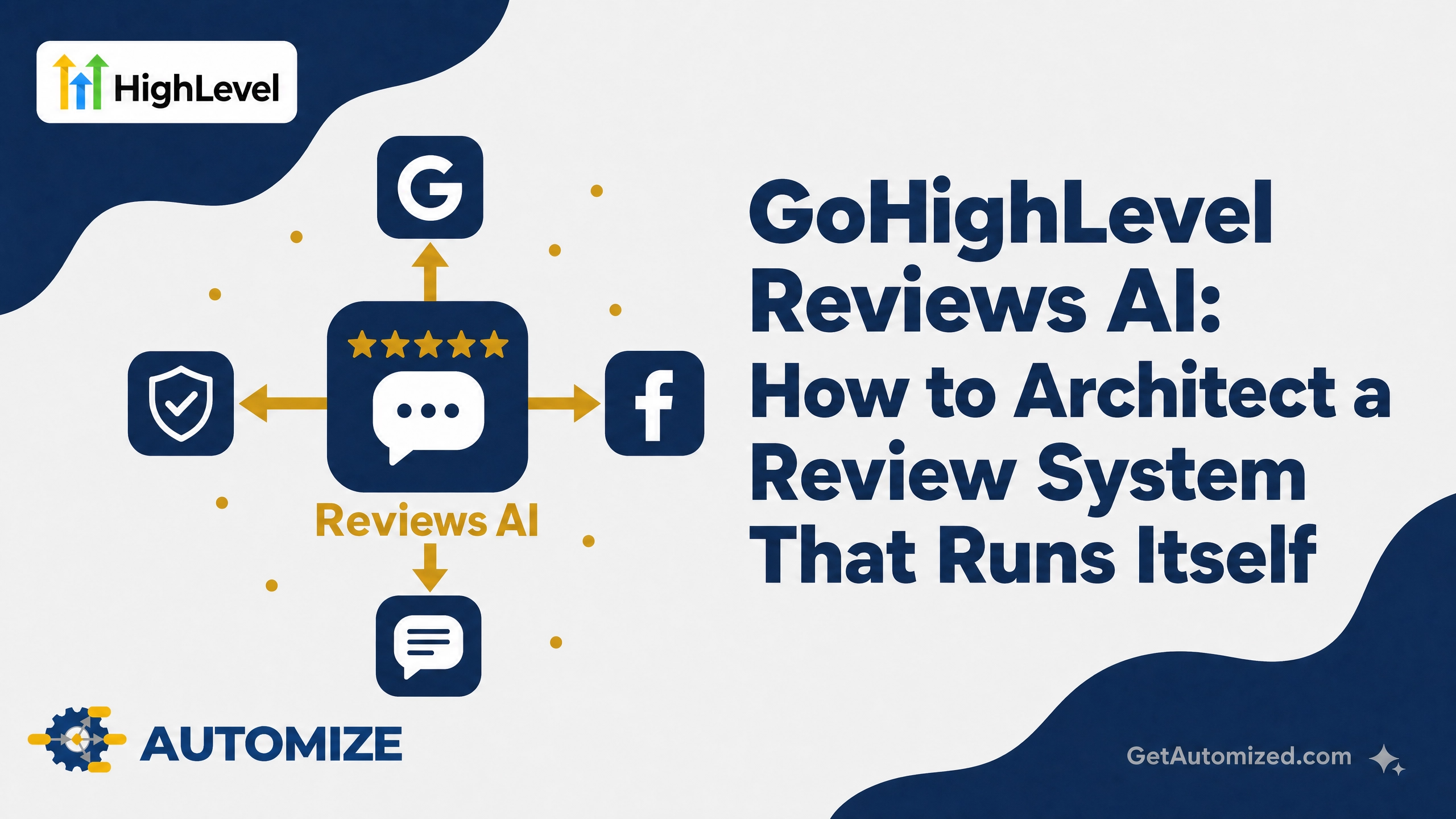
GoHighLevel Reviews AI reads incoming Google and Facebook reviews, determines whether each one is positive or negative, and writes a reply in your voice — automatically, or with your approval first. That’s the feature in one sentence. The harder question, and the one most guides skip, is how to architect the system around it so it actually protects your reputation instead of quietly damaging it.
We’ve built GoHighLevel systems for service businesses since shortly after the platform launched, and Reviews AI is one of the easiest features to turn on badly. Turning it on is a five-minute task. Architecting it correctly — so the right review gets the right response through the right channel at the right moment — is the part that actually moves your star rating and your local rankings.
What GoHighLevel Reviews AI Actually Does
Reviews AI connects directly to your Google Business Profile and Facebook Page. It watches for new reviews, runs sentiment analysis to determine tone, and drafts a reply that matches your brand voice.
You control how much autonomy it gets through two modes:
Suggestive Mode — the AI drafts a reply and queues it for your approval. You read it, edit if needed, and approve before it posts.
Auto-Pilot Mode — the AI posts the reply without a human step in between.
Pricing runs at roughly one cent per review response, so cost isn’t the barrier for most businesses. The barrier is knowing which mode to use, for which reviews, and when.
Getting connected in the first place is the easy part — GoHighLevel’s guided setup wizard walks you through linking Google and Facebook and turning the feature on. The architecture decisions below are what happen after that five-minute setup.
The Real Question: Suggestive or Auto-Pilot?
This is the decision most businesses get wrong, because the answer isn’t the same for every review.
Positive reviews (4–5 stars): Auto-Pilot is usually safe here. A generic five-star review with a short, warm, on-brand thank-you doesn’t carry much risk. Automating this frees up the time you’d otherwise spend writing “Thanks so much, we appreciate you!” fifty times a month.
Negative or mixed reviews (1–3 stars): Route these to Suggestive Mode, no exceptions. A negative review is a public conversation with your future customers, not just the reviewer. The wrong tone — defensive, dismissive, or overly apologetic in a way that reads as an admission of fault — can do more damage than the original review. A human needs to read it before it goes live.
The failure mode we see most often: a business turns on full Auto-Pilot across the board because it’s the default-feeling option, and a AI-generated reply to a legitimate complaint goes out sounding tone-deaf. That reply is now permanent, public, and impossible to fully walk back.
Reviews AI Agents: Matching the Reply to Your Actual Voice
GoHighLevel’s Reviews AI Agents let you build a personality profile that governs tone, sentiment, and style — so replies sound like your business, not like a generic customer service bot. A dental practice and a roofing company shouldn’t sound the same when they thank a reviewer, and they shouldn’t sound the same when they respond to a complaint either.
This is where most setups fall short. The default AI personality is generic. Building an agent that actually reflects your business’s voice takes deliberate configuration — feeding it real examples of how you’d respond, not just a one-line personality description.
When to Trigger the Review Request in the First Place
Reviews AI only responds to reviews that already exist. Getting more reviews — and better ones — comes down to when you ask, which is a workflow decision, not an AI decision.
Service businesses (home services, contractors, consultants): trigger the request immediately after project completion, while the outcome is still fresh. Waiting a week drops response rates significantly.
Appointment-based businesses (medical, wellness, professional services): trigger it within a few hours of the appointment ending, timed to when the client is likely to be checking their phone, not mid-task.
Channel matters as much as timing. SMS review requests get opened and acted on faster than email for most service businesses — but email gives you more room to explain what you’re asking for and why, which matters for less transactional relationships. The right architecture usually uses both: an SMS nudge first, an email follow-up if there’s no response in 48 hours.
Catching Negative Reviews Before They Go Public
The most sophisticated review systems don’t just respond to negative reviews well — they intercept dissatisfaction before it becomes a public review at all. That means a pre-review gate: a quick internal feedback step (a simple 1–5 rating prompt) that routes happy customers to the public review request and routes unhappy ones to a direct line to your team instead.
Here’s how this typically plays out without a pre-review gate: a customer has a mediocre experience, gets the automated review request anyway, and leaves a three-star review venting about the one thing that went wrong. Reviews AI catches it, drafts a reasonable reply, and the review sits there — permanently — right below five other reviews from customers who never had a problem to vent about.
With a pre-review gate in place, that same customer answers a quick “How did we do?” prompt first. A low rating routes to your team directly, not to a public page. You get the chance to fix the problem before it becomes a searchable, permanent part of your reputation — and the customers who were happy are the only ones who reach the public review request.
Reviews AI for Agencies
If you manage GoHighLevel for multiple clients, enabling Reviews AI at the agency level cascades it to every sub-account. You can bill clients at cost or add a markup — a straightforward way to add recurring revenue to an existing GoHighLevel offering without building anything new. The same architecture decisions above — mode selection, trigger timing, channel choice — need to be made per client, not applied as one blanket setting across your whole book of business. What works for a med spa’s review cadence won’t work for a plumbing company’s.
Common Silent Failures We See
- Full Auto-Pilot with no negative-review routing — a bad reply goes live with nobody catching it until a client mentions it weeks later.
- Generic AI personality left on defaults — replies that are technically fine but sound like they came from no one in particular.
- No pre-review gate — every unhappy customer’s first stop is a public review instead of a private resolution path.
- Review requests sent too late — timing that doesn’t match how the business actually interacts with customers, so response rates stay low regardless of how good the AI reply is.
Frequently Asked Questions
Does GoHighLevel Reviews AI work on both Google and Facebook? Yes. Reviews AI connects to your Google Business Profile and Facebook Page and monitors both for new reviews.
What’s the difference between Suggestive Mode and Auto-Pilot Mode? Suggestive Mode drafts a reply and waits for your approval before posting. Auto-Pilot Mode posts the AI’s reply without a human review step. We recommend Auto-Pilot for straightforward positive reviews and Suggestive Mode for anything negative or mixed.
How much does GoHighLevel Reviews AI cost? Pricing runs at approximately one cent per review response, on top of your existing GoHighLevel plan.
Can Reviews AI actually improve local search rankings? Review volume, recency, and response rate are known local ranking factors. Responding to every review — quickly and appropriately — supports that signal, though Reviews AI is a tool for consistency, not a guaranteed rankings lever on its own.
Should agencies enable Reviews AI for every client automatically? Enabling the feature is simple, but the configuration underneath it (response mode, personality, trigger timing) needs to be set per client. Turning it on agency-wide without customizing each sub-account risks generic, off-brand replies going out under your clients’ names.
We Build This Into Every Client System
Reviews AI is a feature. A review system that consistently generates more reviews, catches problems before they go public, and replies in a voice that actually sounds like your business — that’s architecture. It’s part of what we build into every GoHighLevel system we set up, alongside the rest of the AI Employee stack.
If your reviews are being replied to by default settings nobody configured, let’s fix that.