GoHighLevel Reporting and Analytics
As a business owner or marketing agency, you make a promise to your clients: “We will grow your business.” But in a competitive market, promises are not enough. You need proof. You need to show your clients, and yourself, exactly how your marketing efforts are translating into tangible results — leads, calls, sales, and most importantly, revenue.
This is where GoHighLevel reporting becomes one of the most critical features of the entire platform. However, many users barely scratch the surface of its capabilities, getting lost in a sea of data or focusing on vanity metrics instead of the hard numbers that truly demonstrate value. At Automize, we believe that what gets measured gets managed, and GoHighLevel provides a powerful suite of tools to measure what truly matters.
Beyond Vanity Metrics: What to Actually Track to Prove ROI
Many agencies get stuck reporting on vanity metrics like impressions, clicks, or website traffic. While these numbers provide some context, they do not pay the bills. A truly data-driven business focuses on the metrics that are directly tied to revenue and operational efficiency. The beauty of GoHighLevel is that it connects marketing activities directly to sales outcomes in the CRM, allowing you to bridge the gap between clicks and cash.
| Vanity Metric (What Amateurs Track) | Meaningful Metric (What Professionals Track) |
|---|---|
| Website Traffic | Number of Qualified Leads Generated |
| Email Open Rate | Number of Appointments Booked from Email |
| Ad Clicks | Cost Per Acquisition (CPA) & Return on Ad Spend (ROAS) |
| Social Media Followers | Number of Sales Attributed to Social Media Channels |
Focusing on these meaningful metrics shifts the conversation from “How many people saw our ad?” to “How much revenue did our ad generate?” This is the level of reporting that justifies marketing budgets and builds long-term client trust.
The Key Reporting Dashboards in GoHighLevel
GoHighLevel centralizes your data into several key dashboards. Understanding how to read and interpret each one is fundamental to making data-driven decisions.
The Main Dashboard: Your 30,000-Foot View
The main dashboard is your command center, providing a high-level overview of your entire sales and marketing ecosystem. Key widgets to monitor daily include:
- Opportunities: Shows the number of open deals and the total value of your pipeline, broken down by stage.
- Pipeline Value: A quick glance at the total potential revenue you are currently working to close.
- Funnel Conversion Rate: Displays the conversion rates for your key marketing funnels, helping you spot leaks and opportunities for optimization.
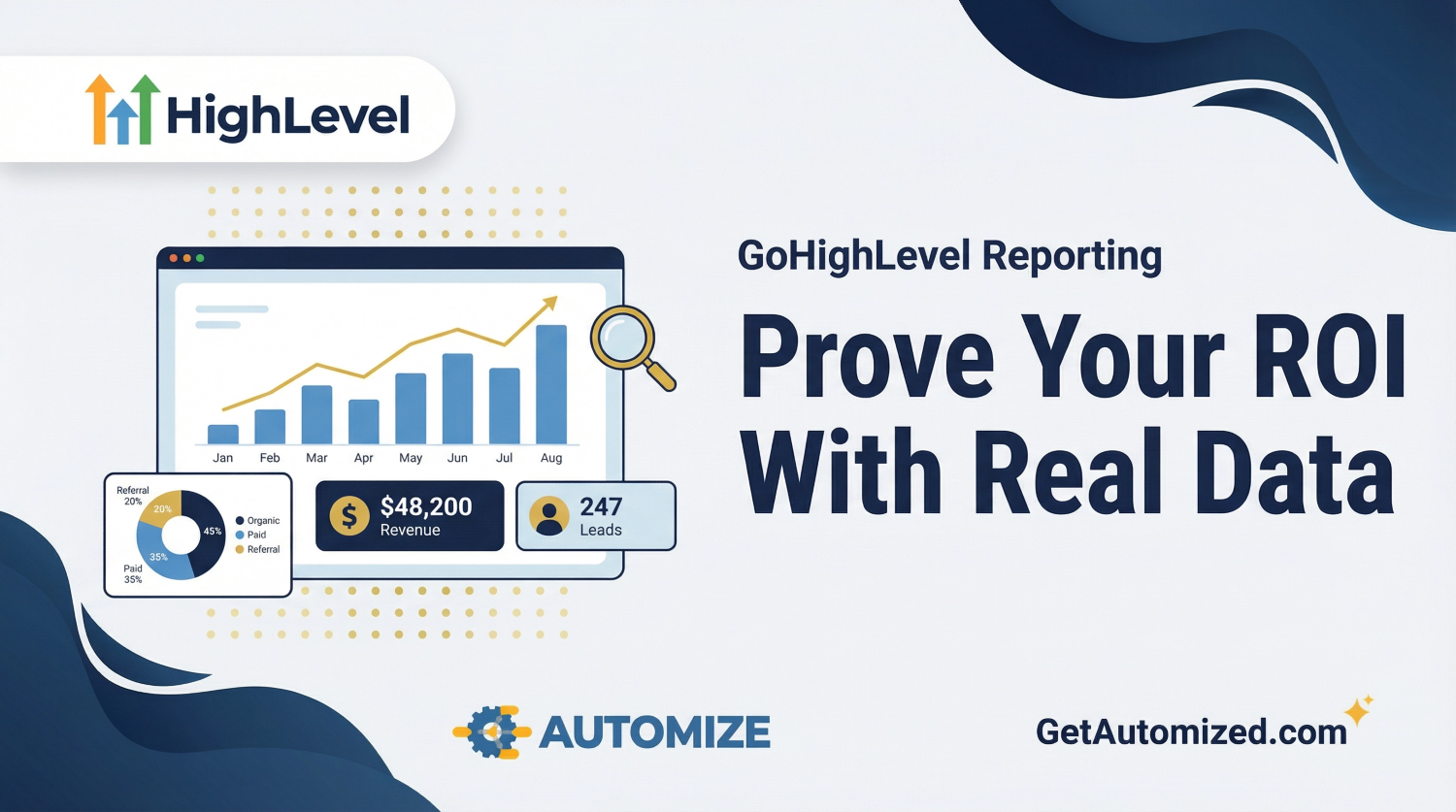
- Stage Distribution: A pie chart showing how your leads are distributed across your sales pipeline, highlighting potential bottlenecks where leads are getting stuck.
Attribution & Source Reporting: The Most Important Report
Arguably the most powerful and important report in GoHighLevel is the attribution report. The GoHighLevel attribution tracking report shows you exactly where your leads, appointments, and sales are coming from. By properly using UTM parameters in your ad campaigns and tracking codes on your website, this report can answer critical business questions:
- How many leads did we generate from Google Ads vs. Facebook Ads last month?
- What was the total revenue generated from organic search traffic?
- Which email campaign drove the most booked appointments?
- What is the close rate of leads that come from our blog versus our podcast?
This is the essence of data-driven marketing, a concept championed by analytics experts like Avinash Kaushik. It allows you to double down on what is working and cut spending on what is not, maximizing your marketing ROI.
Call Reporting: Proving the Value of Inbound Calls
For many businesses, especially in local services, the phone is still the most important lead source. GoHighLevel’s call reporting is indispensable for these businesses. By using GHL tracking numbers for your different marketing channels (e.g., one number for your website, one for your Google Business Profile, one for your print ads), you can see:
- The number of calls received, answered, and missed from each source.
- The average call duration, which can be an indicator of lead quality.
- The marketing source that drove each specific call, connecting your ad spend directly to inbound leads.
Agent Reporting: Managing Sales Team Performance
The Agent Reporting dashboard provides crucial insights into your sales team’s performance and activity levels. It tracks metrics like the number of manual calls made, emails sent, and appointments booked for each user on your team. This is essential for managing sales reps, identifying coaching opportunities, and ensuring that your lead follow-up processes are being executed consistently.
Building GHL Custom Reports for Deeper Insights
While the default dashboards are powerful, the ability to build GHL custom reports is what allows you to track the specific KPIs that matter most to your unique business. You can create custom dashboards that pull in data from different areas of the platform to create a single, unified view of performance.
For example, you could create a client-facing dashboard that shows the number of leads generated from their Facebook Ads campaign, the conversion rate of those leads into booked appointments, the show rate for those appointments, and the total value of deals closed from that specific campaign, all in one clean report. This is the kind of reporting that makes you indispensable to your clients.

Frequently Asked Questions About GoHighLevel Reporting
How does GoHighLevel track attribution?
GoHighLevel uses a combination of first-party cookies and UTM parameters to track a user’s journey from their first touchpoint (e.g., clicking an ad) to their final conversion (e.g., becoming a customer). For accurate attribution, it is crucial to use unique UTM parameters for each of your marketing campaigns.
Can I create reports for my clients within GoHighLevel?
Yes. You can create custom dashboards and share a read-only link with your clients, giving them 24/7 access to a live report on their marketing performance. This transparency is a powerful way to build trust and demonstrate value.
Does GoHighLevel have a mobile app for reporting?
Yes, the GoHighLevel mobile app (often branded as “LeadConnector”) allows you to view your main reporting dashboards, pipeline, and conversations on the go, so you always have a pulse on your business performance.
How accurate is the revenue reporting?
The accuracy of the revenue reporting depends entirely on your team’s diligence in keeping the pipeline updated. When a deal is won, it must be moved to the “Closed/Won” stage and the correct value must be entered. When this is done consistently, the revenue reporting is highly accurate.
Reporting is Not an Afterthought; It Is the Whole Point
Executing marketing campaigns is only half the job. The other half is proving that they worked. A robust reporting system is what separates amateur marketers from professional growth experts. Setting up accurate and meaningful reporting in GoHighLevel requires a strategic approach to tracking, tagging, and dashboard configuration from day one.
As an official GoHighLevel partner, Automize specializes in setting up comprehensive reporting and analytics dashboards that connect your marketing spend directly to your revenue. If you’re tired of guessing, it’s time to get clear.