Key Takeaways
- Keap CRM empowers small businesses with centralized data, automated marketing, and streamlined sales workflows that replace multiple disconnected tools.
- Advanced automation—from lead capture to loyalty—drives long-term growth, enabling businesses to nurture prospects, enhance customer experiences, and increase lifetime value.
- Working with a Keap CRM consultant accelerates implementation and results, ensuring proper setup, seamless integrations, and strategic automations tailored to your unique processes.
Keap CRM is one such platform, a robust tool designed not only to organize your contacts, but to seamlessly integrate marketing, sales, and automation into a single, cohesive system. Yet, the true power of Keap CRM often goes untapped by those unsure how best to leverage its features within the context of their own unique business processes.
At Automize, we’ve seen firsthand the difference intelligent automation can make. With more than a decade of expertise and a passion for elevating businesses through technology, our mission is simple: to help business owners set up and use marketing and process automation more efficiently.
In this Keap CRM Guide, we’ll cut through the jargon and break down the platform’s key features, practical uses, and essential tips, so you can move beyond complexity, bridge your business’s gaps, and deliver an exceptional customer experience, all while saving valuable time.
Whether you’re considering Keap CRM for the first time or seeking to unlock more from your existing system, this guide is designed for you.
What Is Keap CRM And How Does It Serve Small Businesses?
Keap CRM (formerly known as Infusionsoft) is more than just a customer relationship management tool; it is a unified sales and marketing platform built specifically to address the unique needs and resource constraints of small business owners. For readers who want a deeper understanding of how the original Infusionsoft system evolved into Keap, you can explore Infusionsoft CRM for additional background and insights.
While many large-enterprise CRM systems are complex and geared toward huge sales teams, Keap’s design centers on delivering powerful automation and simplified client management to companies with limited staff and marketing budgets.
How Keap Solves Small Business Challenges
Keap integrates several critical functions into a single system, eliminating the need for multiple disconnected tools. This centralization allows small businesses to operate with the efficiency of a much larger organization.
- Centralized Client Data: Keap acts as a single source of truth for all client information, consolidating lead history, communication logs, purchases, and behavior tracking in one accessible contact record. This prevents data fragmentation and ensures personalized follow-up.
- Built-in Marketing Automation: This is Keap’s most significant differentiator. It enables small teams to automatically nurture leads, follow up after sales, and manage recurring communication campaigns with minimal manual effort. Once set up, the automation runs 24/7, enabling the owner or a single employee to manage hundreds of clients effectively.
- Sales Pipeline Management: Keap provides visual tools to manage and track sales opportunities from initial lead capture to closing. This structure enables small businesses to prioritize high-priority leads, forecast revenue accurately, and ensure that no potential sale falls through the cracks.
- E-commerce and Billing: The platform often includes integrated tools for generating quotes, invoicing, and accepting payments, which link financial transactions directly to the client’s CRM record. This simplifies bookkeeping and ensures that sales activity and payment history are always connected.

The Power Of Keap Marketing Automation: From Lead To Loyalty
The true engine driving the value of Keap CRM is its robust Keap marketing automation suite. For small businesses, this capability is revolutionary, allowing them to deliver highly personalized and timely communication without the need for a dedicated, round-the-clock marketing staff. It transforms the sales process from a reactive, manual effort into a proactive, scalable, and systematic client journey.
Orchestrating the Customer Journey
Keap uses a visual Campaign Builder that allows users to map out complex, multi-stage processes that automatically run based on specific client behavior or triggers.
- Lead Capture and Nurture: The moment a prospect fills out a form, Keap can automatically tag them, send an immediate welcome email, and place them into a long-term nurture sequence based on their interest level. This ensures no lead goes cold simply because a staff member was too busy to follow up. If you’re looking for more practical examples of Keap workflows in action, see how to use Infusionsoft CRM for small businesses.
- Behavioral Triggers: Automation isn’t static; it reacts. If a prospect clicks a specific link, attends a webinar, or visits a high-value page, Keap can automatically branch them into a different, more relevant campaign track, such as sending a direct sales offer or scheduling an appointment reminder.
- Sales Follow-up and Qualification: Once a lead enters the sales pipeline, Keap ensures consistency. It can automatically send follow-up tasks to the sales representative, send personalized check-in messages, and advance the opportunity stage when a client takes an action, ensuring a smooth handoff from marketing to sales.
Automating Post-Sale Engagement
The power of Keap extends far beyond the initial sale, cementing its value as a tool for increasing customer lifetime value (CLV).
- Onboarding and Fulfillment: Automation can manage the entire post-sale process, sending welcome materials, soliciting required information, and delivering scheduled content, ensuring a great first impression.
- Cross-sell and Upsell: Keap tracks purchase history. After a specific period, it can automatically initiate a campaign offering related products or service upgrades, maximizing revenue without requiring manual list pulls or timing checks.
- Loyalty and Review Requests: Automation can be set to solicit customer reviews 30 days after purchase, send annual thank-you notes, or deliver exclusive offers on their purchase anniversary, thereby fostering loyalty and generating valuable social proof.
Comparing Keap Max vs. Pro: Choosing The Right Solution
Selecting the right Keap CRM plan is crucial for optimizing your business automation and marketing efforts. While both Keap Pro and Keap Max bring robust features, they serve different needs depending on the scale and complexity of your operations. Here’s how they stack up:
Core Features
- Keap Pro offers essential CRM capabilities, appointment scheduling, quotes, invoicing, email marketing, and automated workflows for follow-ups and nurturing leads. It’s ideal for small businesses or those getting started with automation.
- Keap Max includes all Pro features, but also adds advanced marketing automation, sophisticated sales pipeline management, and more in-depth reporting tools to support more complex customer journeys.
Automation Capabilities
- Keap Pro provides basic automation for everyday tasks, allowing businesses to save time on routine follow-ups and reminders.
- Keap Max expands this with more comprehensive campaign builders, multiple trigger points, and the ability to create detailed, multi-step automation sequences across various communication channels.
Sales and Pipeline Management
- Keap Pro delivers visual sales pipelines and basic deal tracking to help manage leads through the sales process.
- Keap Max enhances this function with customizable pipeline stages, sales forecasting, and advanced tagging, which are vital for businesses managing high lead volumes or multiple sales teams.
Reporting and Insights
- Keap Pro supplies standard reports for sales and marketing activities.
- Keap Max provides advanced analytics, customizable reporting, and deeper insights, enabling data-driven decisions to refine marketing and sales strategies.
Suitability
Choose Keap Pro if your business needs streamlined client management, basic automation, and essential sales tools. Opt for Keap Max if you require sophisticated automations, detailed sales tracking, and robust reporting to handle more complex business processes.
Keap Infusionsoft CRM: Understanding The Legacy And Evolution
Keap CRM, formerly known as Infusionsoft, holds a unique position in the history of business automation. The platform’s journey illustrates how CRM systems have adapted to the growing demands of modern entrepreneurs and small business owners. For additional insights into how Keap supports small business growth today, explore boost your small business with Infusionsoft CRM.
The Infusionsoft Era
Initially launched as Infusionsoft, the solution quickly gained traction among small businesses due to its robust automation and email marketing capabilities. Its all-in-one approach, combining CRM, marketing automation, and e-commerce features, helped users streamline operations and achieve more personalized customer engagement.
Rebranding and the Shift to Keap
In response to shifting business needs and a changing marketplace, Infusionsoft rebranded as Keap. This transformation wasn’t just cosmetic; it marked a commitment to user-friendly design and accessibility. Keap built upon the complex features of Infusionsoft by introducing a cleaner interface and simplified workflows, making powerful automation tools attainable for a broader range of users.
Advancements and Modern Features
Today, Keap CRM continues to evolve, integrating with popular business tools and embracing automation across sales, marketing, and customer service. Enhanced lead management, improved campaign building, and an expanded integrations ecosystem ensure that Keap remains a leading choice for growth-oriented businesses. To see what these advancements mean for modern entrepreneurs, check out revolutionize your small business with Infusionsoft CRM.

Common Challenges And Pitfalls Of DIY Keap Implementation
Implementing Keap CRM on your own can be appealing for business owners seeking immediate savings or a hands-on approach. However, navigating powerful automation tools without seasoned expertise introduces certain obstacles that can hinder growth and efficiency. Below are some frequent issues encountered during DIY Keap setup:
Missed Integrations With Essential Tools
Many business owners struggle to connect critical platforms, such as e-commerce solutions, accounting systems, or custom web forms, effectively. This often results in siloed data and manual workarounds that undermine productivity gains.
Ineffective Automation Workflows
Without an in-depth understanding of Keap CRM’s logic and triggers, users often create automation sequences that fail to capture leads accurately or nurture customers effectively. Poorly structured workflows can lead to lost opportunities and inconsistent customer experiences.
Data Migration Hurdles
Migrating customer and prospect data into Keap can be fraught with errors, including incomplete imports, mismatched fields, and duplicate records. These issues not only slow down onboarding but can also impact the accuracy of future campaigns.
Compliance and Security Oversights
DIY setups may overlook GDPR, CAN-SPAM, or other compliance requirements, putting the business at risk of fines and damaging its reputation. Insecure configurations can also expose sensitive data to unauthorized access.
Underutilization of Key Features
Keap CRM offers robust features for segmentation, reporting, and advanced automation. Many DIY users leverage only a fraction of the platform due to uncertainty or information overload, missing out on efficiency and insight gains.
Why Hire A Keap CRM Consultant For Implementation And Strategy?
Implementing Keap CRM is a significant step for any business looking to enhance customer management, streamline processes, and automate marketing efforts. However, making the most of Keap’s powerful features requires more than just setting up an account; it demands in-depth expertise and strategic execution. This is where a dedicated Keap CRM consultant becomes invaluable.
Expert Customization for Your Business
A consultant brings a nuanced understanding of Keap CRM’s full capabilities, ensuring configurations align with your company’s unique needs. With their guidance, you avoid generic setups and benefit from automation, pipelines, and workflows explicitly tailored to your processes.
Seamless Data Migration and Integration
Data migration can be complex and risky without experience. Keap CRM consultants ensure a smooth, secure transfer of existing customer data and integrate Keap with your other crucial business tools. This minimizes downtime and disruptions, laying the groundwork for a unified system.
Accelerated Training and User Adoption
A consultant doesn’t just configure your software; they also empower your team. By providing targeted training and support, consultants accelerate user adoption, ensuring everyone feels confident using Keap CRM to its fullest potential from day one.
Measurable ROI and Strategy Alignment
With deep awareness of automation best practices, a Keap CRM consultant helps you identify key performance indicators and establish processes that deliver measurable ROI. They work side-by-side with your leadership to align CRM strategy with your broader business goals.
How Automize Helps You Get The Most From Keap CRM
Unlocking the full potential of Keap CRM demands more than just installation; it requires expert setup, seamless integration, and ongoing optimization. Here’s how we empower you to make Keap CRM work harder for your business.
Thorough and Tailored Implementation
We assess your unique workflows and business objectives to configure Keap CRM tailored to your specific needs. This ensures your sales, marketing, and client management processes are aligned and efficient from the start.
Custom Integrations with Your Favorite Tools
Most businesses rely on multiple tools. We bridge Keap CRM with your existing software, such as eCommerce platforms, accounting systems, or email marketing systems, so data flows automatically and eliminates manual work.
Automation Blueprint and Campaign Design
Our expertise in marketing and process automation enables us to design custom campaigns within Keap CRM that nurture leads, follow up with prospects, and maintain client engagement, all on autopilot.
Personalized Training and Support
Transitioning to a new CRM can be daunting. We guide you through essential features, provide actionable best practices, and remain available for questions, ensuring you and your team are confident users.
Ongoing Optimization and Insights
We monitor system performance, analyze results, and suggest strategic adjustments. With our proactive support, your Keap CRM stays aligned with business growth and changing market needs.

Final Thoughts
Keap CRM is one of the most powerful tools available to small businesses, but only when it’s implemented with strategy and intention. With the correct setup, automation becomes a genuine growth engine, helping you streamline operations, enhance customer experiences, and scale with confidence. Whether you’re just getting started or looking to maximize your current system, partnering with experts ensures you unlock every advantage Keap has to offer. At Automize, we’re here to help you simplify the process, eliminate inefficiencies, and build automated workflows that truly move your business forward.
Read also:
- What Are Effective Marketing Automation Strategies for Infusionsoft?
- Tired of Go HighLevel Frustrations? Let Us Simplify It For You
- GHL Solutions for Business Owners
Frequently Asked Questions About Go Keap CRM Guide
What are the main features of Keap CRM?
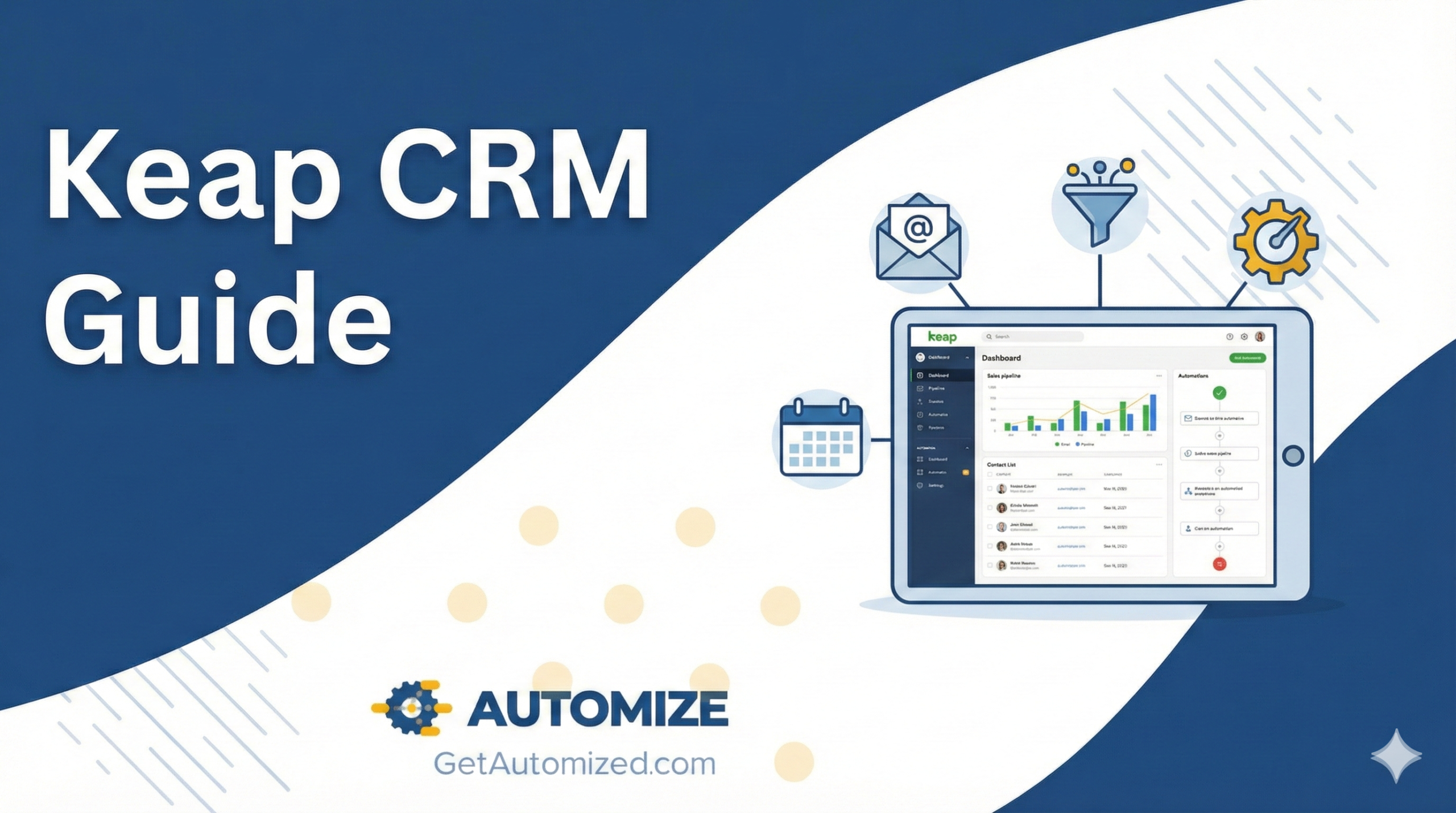
Keap CRM provides robust contact management, marketing automation, sales pipeline tracking, invoicing, and appointment scheduling. Its intuitive dashboard gives you a comprehensive view of customer interactions. At the same time, automations streamline lead capture, follow-ups, and workflow management, resulting in more efficient business operations and a better experience for your clients.
What integrations does Keap CRM offer?
Keap CRM connects seamlessly with a wide range of popular business tools, including Zapier, Shopify, QuickBooks, Gmail, Outlook, and many more. By leveraging these integrations, businesses can synchronize data, automate tasks across platforms, and create a unified system that reduces manual work.
How secure is my data in Keap CRM?
Keap CRM is built with strong security protocols to protect your sensitive business data. This includes data encryption, secure server infrastructure, regular security audits, and compliance with industry standards. As a result, your information stays confidential and protected from unauthorized access.
Can I customize pipelines in Keap CRM?
Yes. Keap CRM allows you to tailor sales pipelines to match your specific business processes. You can define unique stages, automate actions based on pipeline movement, and adapt the flow to reflect your sales strategy, all from an intuitive visual interface.
What is the difference between Keap and Infusionsoft?
Keap and Infusionsoft are products from the same company, but serve slightly different needs. Infusionsoft is now known as Keap Max Classic, focusing on advanced automation for established businesses with complex requirements. Keap Pro and Keap Max, meanwhile, offer a more streamlined experience, striking a balance between power and simplicity for small to medium-sized businesses.
How do I integrate Keap CRM with other tools?
Integrating Keap CRM with your existing business tools is straightforward. Keap offers native integrations with many platforms, and with tools like Zapier, you can connect virtually any app in your tech stack. For more complex integrations, Automize provides expert support in connecting disparate systems to ensure smooth data flow and optimized workflows for your business.